
RoyalRook Casino Mobile App
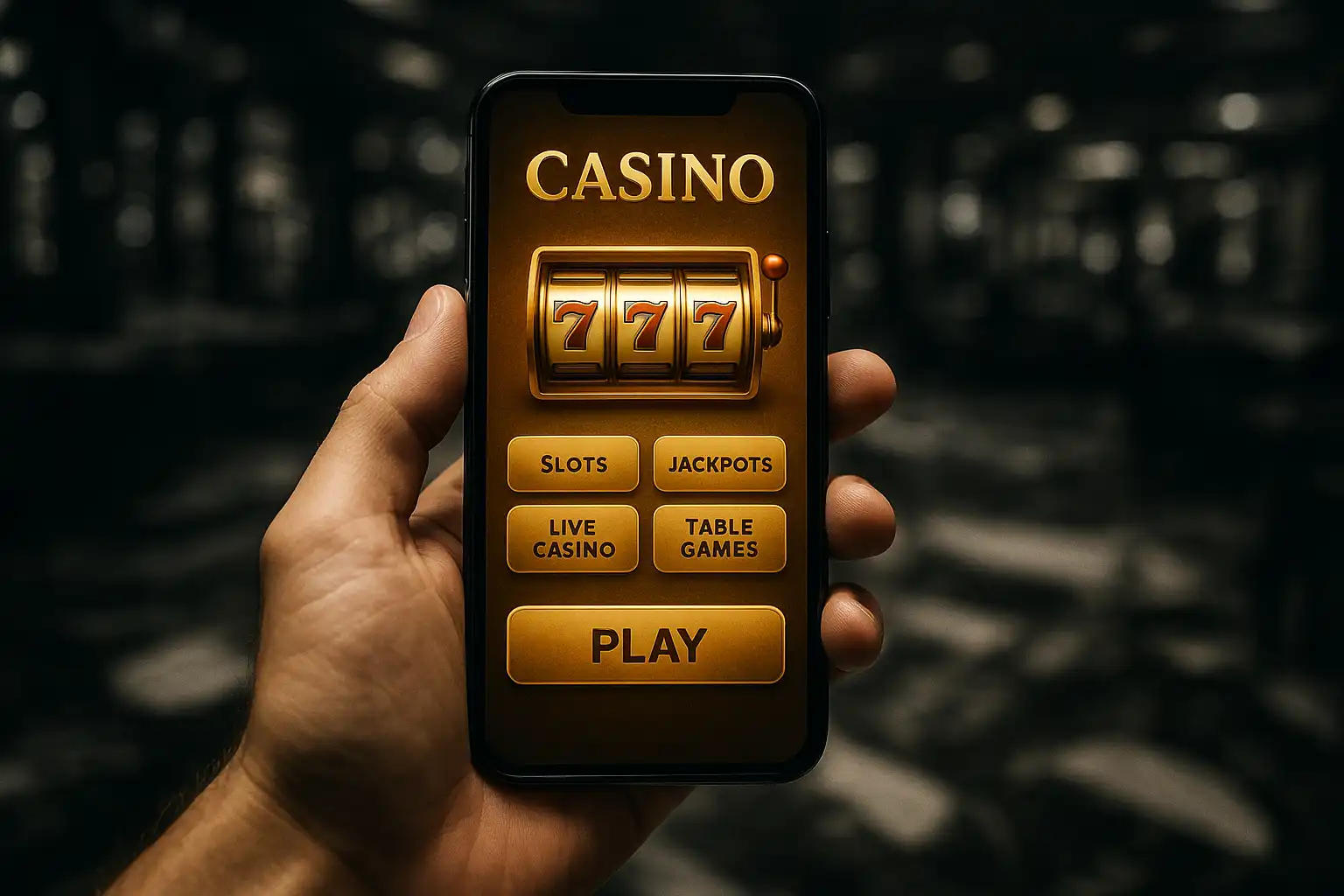
RoyalRook Casino treats mobile play as the default rather than a stripped-down backup for the desktop site. The entire lobby, cashier and account area run through a responsive web app accessible from any modern phone browser, which means there is no separate download from an app store and no separate login to remember. This page walks through how the mobile experience works, which devices it supports, and what to expect from load times, game selection and payments on a smaller screen.
No App Store Download Required
Rather than shipping a native app that needs approval from Google Play or the App Store, both of which restrict real-money gambling apps in many regions, RoyalRook Casino built its mobile experience as a progressive web app. Visiting the site on a phone browser loads the same interface used on desktop, automatically resized and rearranged for a touch screen. Players who prefer an app-like shortcut can add the site to their home screen directly from the browser menu, which creates an icon that opens straight into the lobby without a browser address bar cluttering the view.
This approach sidesteps a common headache with gambling apps: store policy changes, region locks and forced updates that sometimes leave players locked out of a native app for days at a time. Since the mobile experience is just the website rendered for a smaller screen, there is nothing to update, nothing to reinstall, and no risk of a region restriction blocking access to an app that was working fine the day before.
Device Compatibility
The mobile site supports both Android and iOS across the last several generations of mainstream devices. Testing across a mid-range Android phone, a newer iPhone and an older budget Android handset showed consistent load times and stable gameplay on all three, with no crashes during slot spins, live table rounds or crash game sessions. Tablets get a slightly different layout that takes advantage of the extra screen space, showing more of the lobby grid at once rather than the single-column stack used on phones.
Browser support covers Chrome, Safari, Firefox and Samsung Internet, which accounts for the large majority of mobile traffic. Older browser versions may render some animations less smoothly, but core functionality, including deposits, withdrawals and gameplay, remains intact even on older software.
Game Selection on Mobile
Every game available on desktop is also available on mobile, without a reduced library or a “mobile-only” subset. Slots, live dealer tables and crash games all run through the same HTML5 engine regardless of device, so there is no need to hunt for a separate mobile-compatible version of a favourite title. Touch controls on slots are sized deliberately for fingers rather than shrunk-down mouse targets, and spin, bet adjustment and autoplay buttons all sit within comfortable thumb reach on a typical phone screen.
Live dealer games stream at a slightly lower default resolution on mobile data to save bandwidth, with an option to bump quality up manually when connected to Wi-Fi. Crash games run their multiplier animation smoothly even on older devices, since the graphics load is intentionally light compared to a full slot animation, which suits fast-paced rounds where a lagging screen could cost a well-timed cashout.
Mobile Deposits and Withdrawals
The cashier menu carries over fully to mobile, supporting the same cards, e-wallets, bank transfer and crypto options available on desktop. Card deposits benefit from auto-fill support built into most mobile browsers, cutting down on manual entry errors. E-wallet logins through apps like Skrill or Neteller can hand off directly to their own mobile apps for authentication before returning to the RoyalRook Casino cashier, which speeds up the process compared to typing a password by hand.
Withdrawal requests submitted from mobile follow the same processing times as desktop withdrawals, with no mobile-specific penalty or delay. Push notifications, where enabled through the home screen shortcut, can alert a player once a withdrawal has been approved, which saves a manual check back on the account page.
Performance and Connection Handling
Mobile connections are less stable than home broadband, and RoyalRook Casino handles brief drops reasonably well. A dropped connection during a slot spin resumes the result once the connection returns rather than voiding the round, and live table sessions attempt to reconnect automatically before timing a player out of their seat. Crash games are more sensitive to lag by nature of the format, so players on a weak signal should expect occasional missed cashout windows and plan bet sizes accordingly.
Setting Up the Home Screen Shortcut
Adding RoyalRook Casino to a phone’s home screen takes only a few taps. On Android Chrome, the browser menu offers an “Add to Home Screen” option that creates an icon linking directly to the lobby. On iOS Safari, the same result comes from the share button’s “Add to Home Screen” entry. Once added, the shortcut behaves like a lightweight app, opening in full screen without browser navigation bars, while still running entirely through the browser engine underneath.
Battery and Data Usage
Extended mobile sessions raise two practical concerns beyond gameplay itself: battery drain and mobile data consumption. Slot animations and live video streams are the heaviest draws on both fronts, so players on a limited data plan may want to lower live casino video quality manually during longer sessions, which the in-game settings menu allows without leaving the table. Battery drain during a typical hour of mixed slots and crash play sits in line with most video-heavy mobile browsing, meaning a spare charger is a sensible companion for a long weekend session rather than a strict requirement.
Notifications and Account Alerts
Beyond withdrawal alerts, the mobile experience can surface notifications for bonus expiry warnings, tournament leaderboard updates and cashback credits, provided browser notifications are allowed for the site. These alerts are opt-in and can be switched off entirely from account settings for players who prefer to check manually rather than receive prompts throughout the day.
Final Notes on Mobile Play
Between the lack of app store restrictions, consistent game selection across devices and a cashier that carries over every payment method from desktop, RoyalRook Casino’s mobile experience holds up as a genuine alternative to a native app rather than a compromise. Players who spend most of their time on a phone should not notice a meaningful gap compared to sitting down at a desktop browser.